
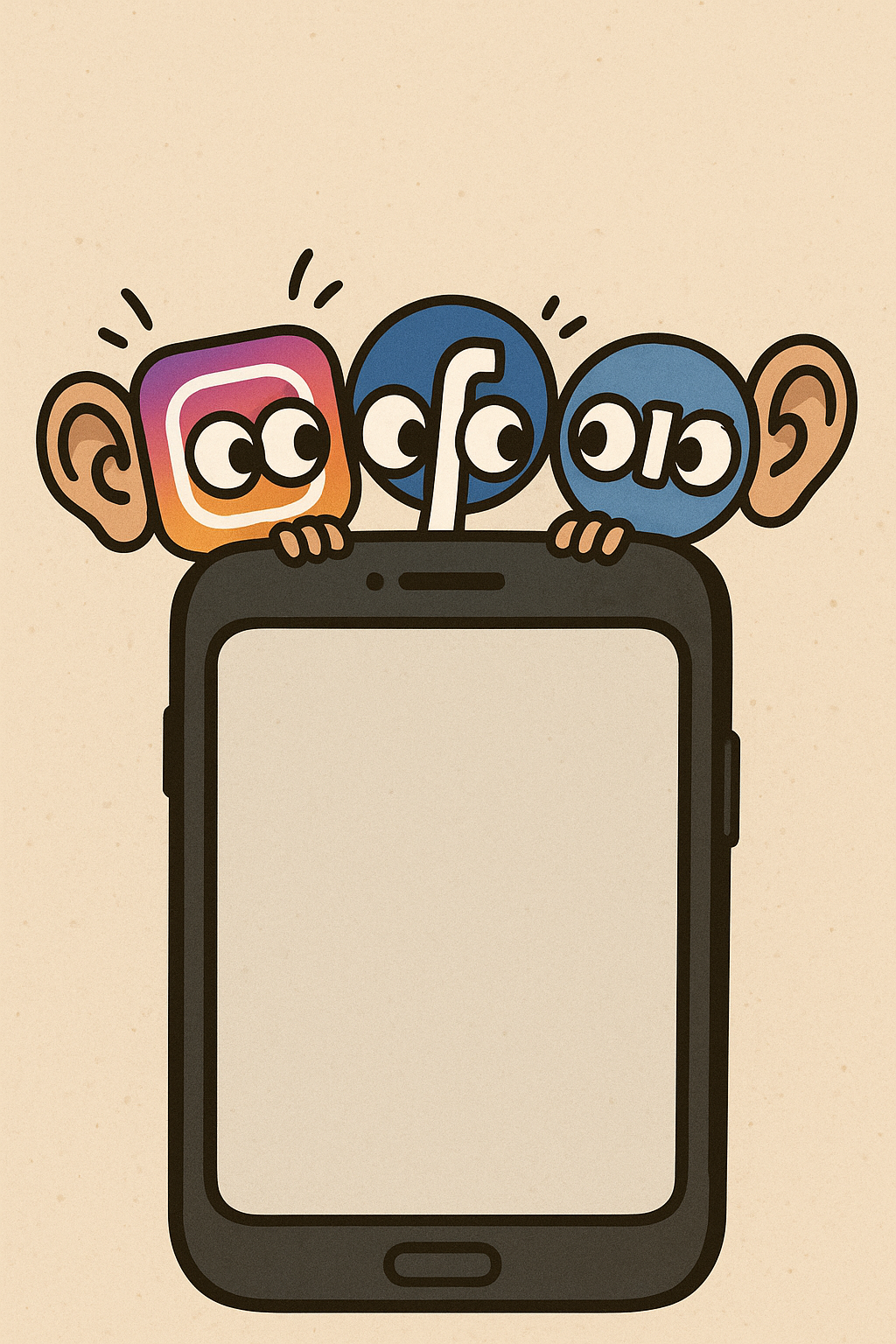
An ad that matches a conversation does not tell you whether an app used your microphone. Advertisers can also draw on your location, purchases, searches and activity across apps and devices.
How tracking works without audio
Advertising IDs, device information, location history and account details can help companies link activity across apps and devices. Analytics and advertising libraries built into apps may send usage data to outside providers. Misconfigured cloud storage and breaches at partners can also expose that data.
Check which apps use the microphone
Watch for the microphone indicator. In your phone’s privacy settings, review which apps have permission and check recent access if your device provides a history. Remove microphone, camera and location permissions when an app has no clear need for them.
Limit the data you share
- Turn off personalized ads and review the advertising ID settings.
- Limit background activity for apps that don’t need it. Keep the operating system and apps up to date and remove apps you no longer use.
- Separate work and personal accounts where practical. Review network filtering if you need more control over which services your device contacts.
For businesses
Set rules for personal devices used at work, approve the apps employees need and use separate work profiles where available. Review what data approved apps and their vendors receive, and how that data is stored.
Need help reviewing your settings? See the phone security check.

